


Network direct unlock tool used for removing network locks and servicing supported smartphones.
If You’re Struggling With A Locked Motorola Phone You’re Not Alone. Many Users Face Network Restrictions After Buying Second-hand Devices Or Switching Carriers. That’s Where The Network Unlock Tool For All Motorola Devices Comes In. It Gives You A Simple Way To Remove Network Locks And Regain Full Control Of Your Device.
This Tool Is Built For Users Who Want Quick Results Without Complicated Steps. You Don’t Need To Be A Technician. With Options Like Select Adb Device (dropdown) Unlock And Reboot Phone The Process Becomes Smooth And Beginner-friendly. Let’s Explore Everything You Need To Know.
Network Unlock Tool For All Motorola Devices Latest Version Free Download
The Latest Version Of The Network Unlock Tool For All Motorola Devices Offers Improved Stability And Better Device Detection. It Supports A Wide Range Of Motorola Models And Works Through Adb Connectivity. Once You Connect Your Phone The Software Lets You Select Your Device Using The Select Adb Device (dropdown) Option And Hit Refresh If Needed.
You’ll Also Notice Helpful Features Like Progress Indicator And Output Console. These Allow You To Track Each Step In Real Time. Instead Of Guessing What’s Happening You See Live Logs While The Unlock Process Runs. That Transparency Builds Trust And Reduces Errors.
What Is The Network Unlock Tool For All Motorola Devices?
The Network Unlock Tool For All Motorola Devices Is A Windows-based Utility Designed To Remove Carrier Restrictions From Motorola Smartphones. When A Phone Is Locked To A Network It Can’t Accept Sim Cards From Other Carriers. This Tool Fixes That Issue Safely And Efficiently.
Think Of It Like Removing A Digital Padlock From Your Phone. After Unlocking You Can Switch Networks Freely. It’s Especially Helpful If You Travel Or Want Better Data Plans. The Software Also Includes Quick Access Buttons Like Open Settings Reset Metro App And Reboot Phone To Simplify Management Tasks.
Read More
Future Network Unlock Tool For All Motorola Devices
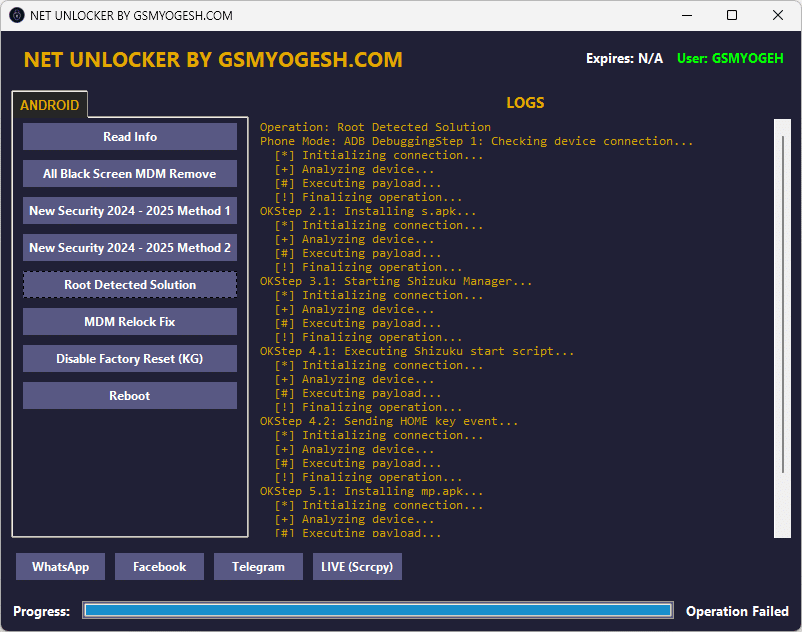
A powerful utility designed to remove network carrier locks and allow smartphones to use any sim card.
- Select ADB Device (Dropdown)
- Refresh
- Unique profile (–no-audio)
- Max Size
- Video Bit Rate
- Max FPS
- Unlock
- Reset Metro App
- Open Settings
- Internet Sharing
- Reboot Phone
- Turn on Wi-Fi
- Turn off Wi-Fi
- Uninstall ngrihet
- Open Metro Unlock API
- Close Metro Unlock API
- Progress Indicator
- Output Console
How To Use It ?
- First Of All, You Must Get The Zip File By Clicking The Following Link
- After That, You Need To Unzip All Files In C: Drive (important)
- Make Sure You’ve Turned Off The Antivirus To Running The Installation
- Then, To Open The Folder, Download The Installation File Following Some Basic InstructionsKleister and PDT Platform Detector Tool
- Run The “Network Unlock Tool For All Motorola Devices“
- The Will Open On Your Pc Screen.
Enjoy!
Final Thought
If You Want A Practical And Efficient Way To Unlock Your Motorola Phone This Tool Delivers Solid Results. The Network Unlock Tool For All Motorola Devices Combines Ease Of Use With Advanced Control Features. Whether You’re A Beginner Or A Mobile Technician It Gives You The Flexibility You Need.
Just Follow The Steps Carefully And Monitor The Output Console During The Process. Once Unlocked Your Phone Becomes Carrier-free And Ready For Any Sim Card. Simple Fast And Effective — Exactly How Unlocking Should Be.
How To Download ?
- Visit The Gsm Crack Tool Website Of The Tool.
- Find The Download Page And Don’t Click Button And Click Only The (Download Link)
- Once The Download Is Complete, Locate The Downloaded File On Your Device.
- Tap On The File To Begin The Installation Process.
- Follow The On-screen Instructions To Complete The Installation.Prime.
Network Unlock Tool For All Motorola Devices


