Clancells Simple Tools Is A Practical Android Service Utility Built For Technicians And Advanced Users Who Want Faster Device Management In One Place. It Brings Adb Fastboot Frp Mdm Kg Lock And Driver-related Tools Together In A Simple Interface So You Can Handle Common Repair Tasks Without Jumping Between Different Apps.
This Tool Is Designed To Save Time. Instead Of Using Separate Programs For Device Detection Reboot Actions Logs Or Unlocking Tasks You Get A Cleaner Workflow In One Dashboard. For Many Users That Makes Troubleshooting Easier Especially When Dealing With Multiple Brands And Different Android Service Modes.
Clancells Simple Tools V6 Latest Version Free Download
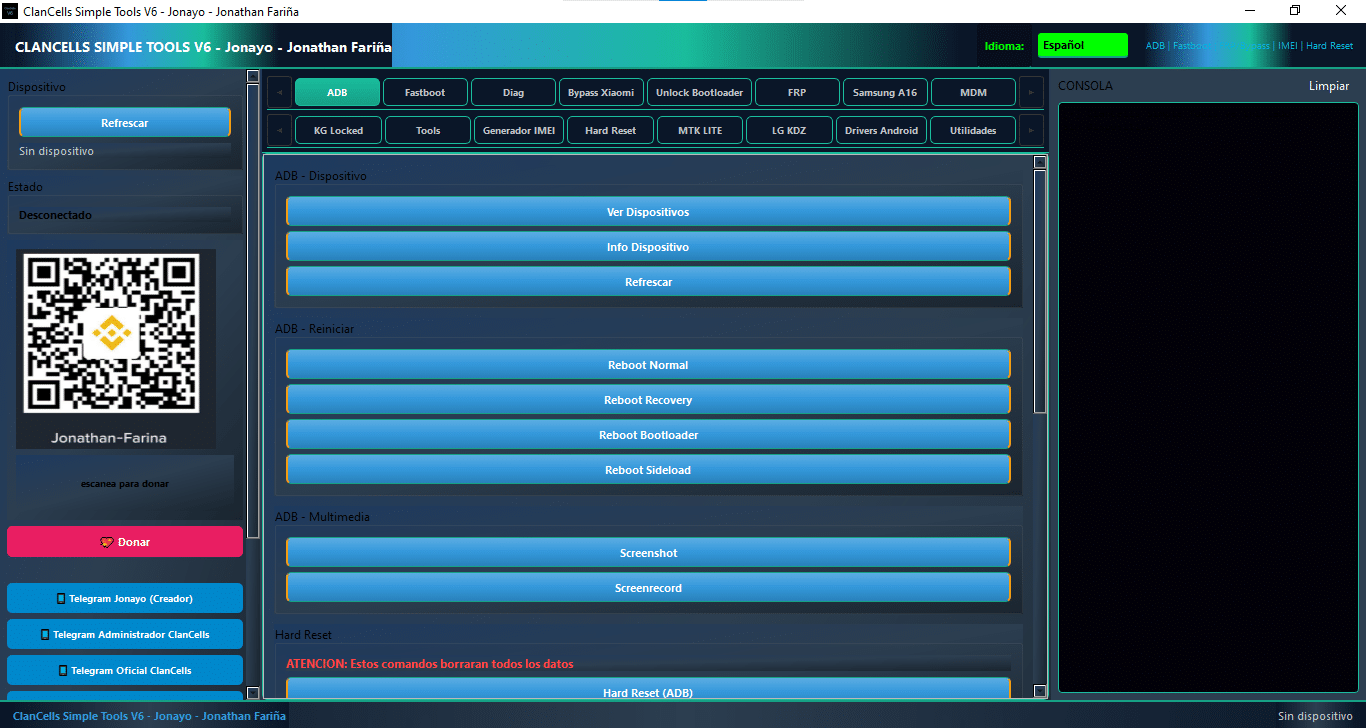
The Latest Version Of Clancells Simple Tools Focuses On Speed Clarity And Wide Device Support. It Offers A Structured Layout With Device Detection Refresh Options Reboot Controls Screenshot Tools Console Logs And Quick Access To Adb And Fastboot Commands. That Means You Can Check A Phone’s Status View Connected Devices And Perform Common Repair Actions From One Screen.
Another Big Advantage Is The Amount Of Support Packed Into The Tool. You Get Functions For Samsung Xiaomi Motorola Mediatek Qualcomm And Other Android Devices Along With Options For Frp Work Bootloader Tasks And Driver Installation. Clancells Simple Tools Is Especially Useful When You Want A Single Utility That Covers Both Basic And Advanced Phone Service Jobs.
What Is The Clancells Simple Tools
Clancells Simple Tools Is An Android Servicing Toolkit Made For Device Maintenance Repair And Administration Tasks. It Is Built To Work With Adb And Fastboot Which Means It Can Communicate With Supported Devices In Different States. That Gives Technicians More Control When A Phone Is Connected Normally Or When It Needs To Be Handled In A Special Mode.
The Software Also Includes Several Brand-focused Utilities. You Can Use It For Device Info Checks Reboot Options Imei-related Checks Security Status Readings And Other Service Functions. In Simple Terms Clancells Simple Tools Is Meant To Turn A Long Repair Process Into A Few Clear Clicks.
Feature Clancells Simple Tools V6
ADB
View Devices
Device Info
Refresh
Reboot Normal
Reboot Recovery
Reboot Bootloader
Reboot Sideload
Screenshot
Screen Record
Hard Reset (ADB)
Console (Logs + Clear)
Language Selection
Device Status
Telegram Links
Donate Option
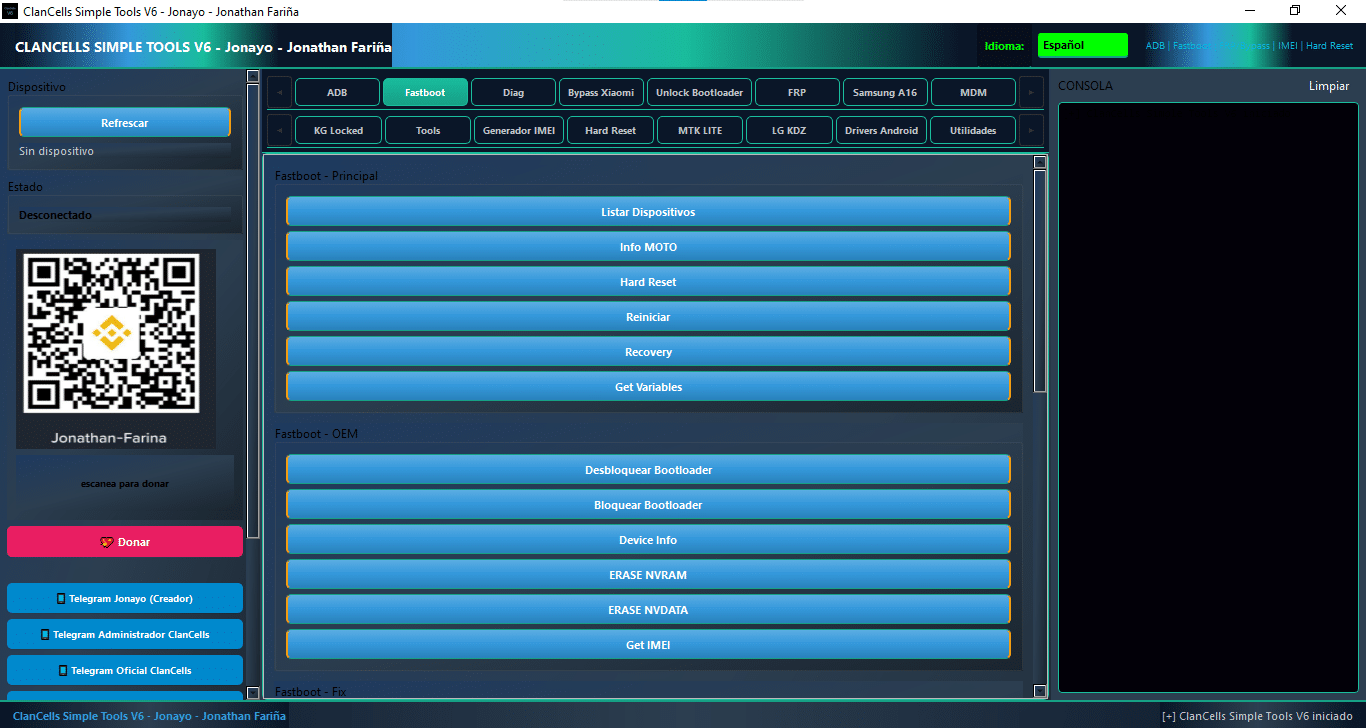
Fastboot
Listar Dispositivos
Info MOTO
Hard Reset
Reiniciar
Recovery
Get Variables
Desbloquear Bootloader
Bloquear Bootloader
Device Info
Erase NVRAM
Erase NVDATA
Get IMEI
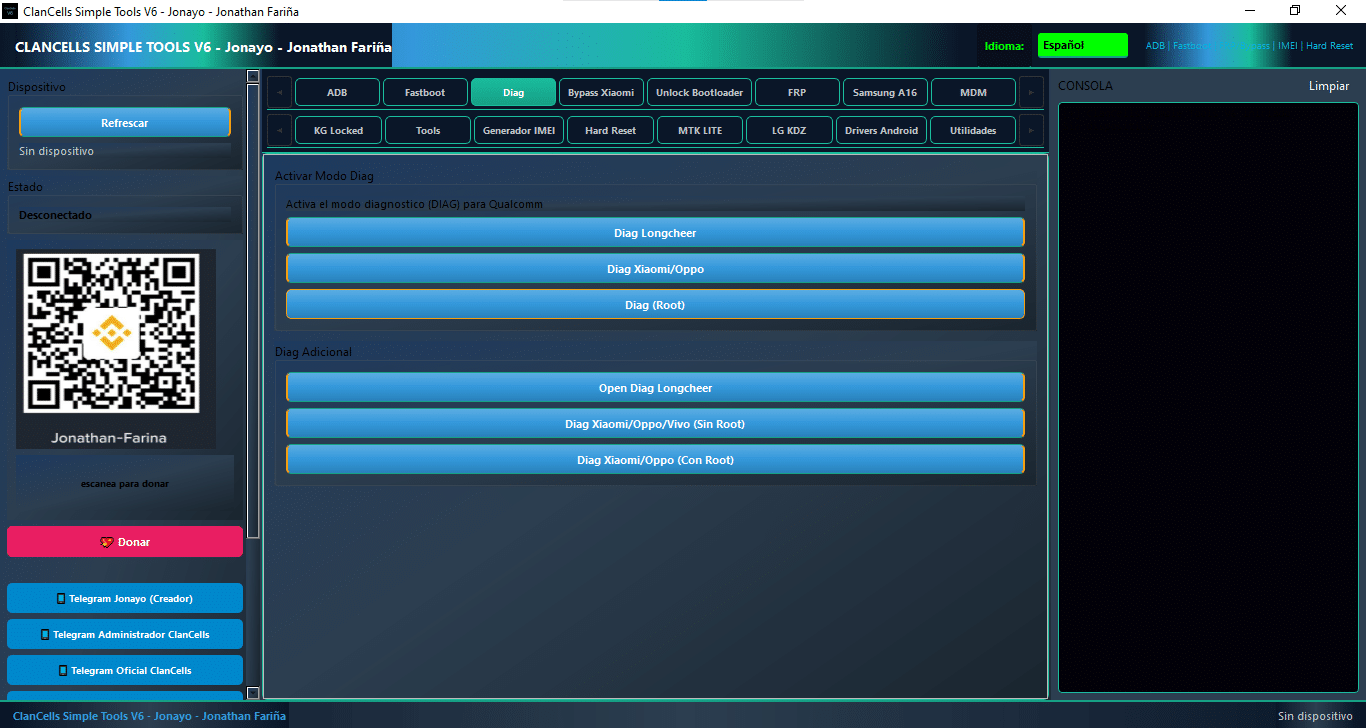
Diag
Diag Longcheer
Diag Xiaomi/Oppo
Diag (Root)
Open Diag Longcheer
Diag Xiaomi/Oppo/Vivo (Sin Root)
Diag Xiaomi/Oppo (Con Root)
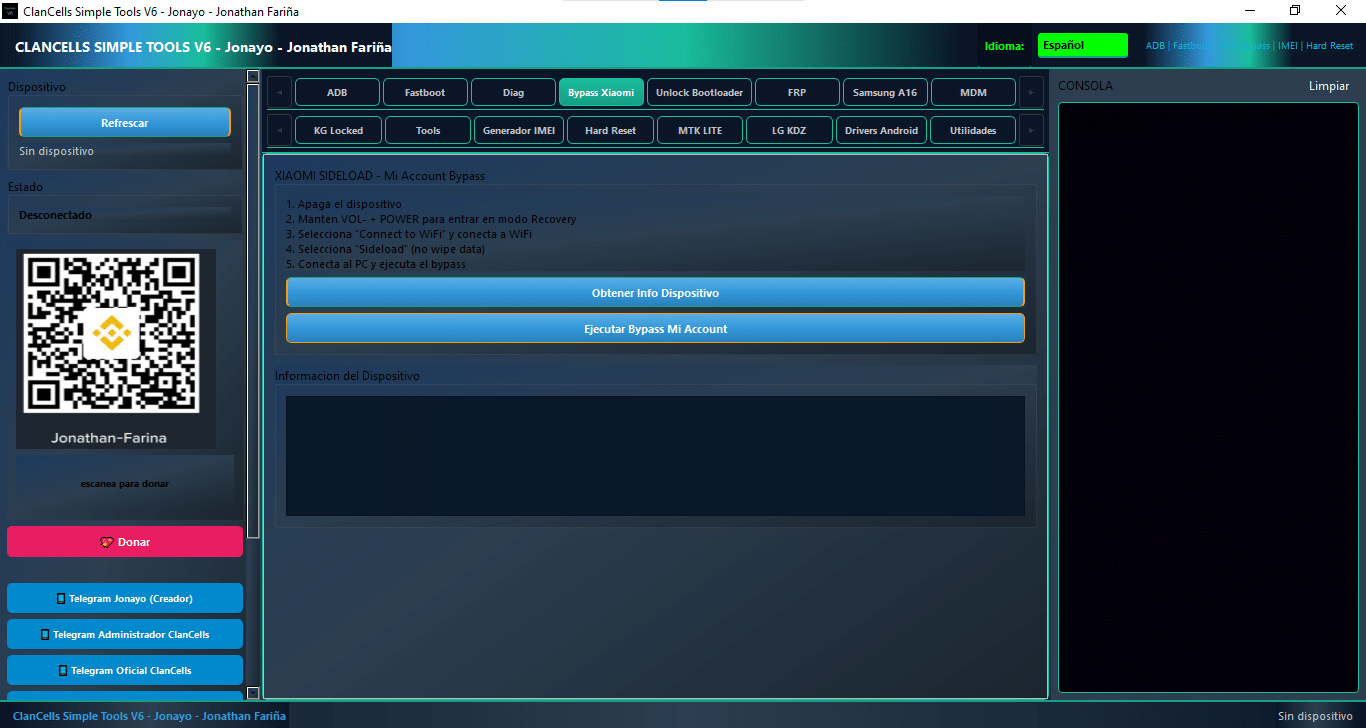
Bypass Xiaomi
Obtener Info Dispositivo (Get Device Info)
Ejecutar Bypass Mi Account (Execute Mi Account Bypass)
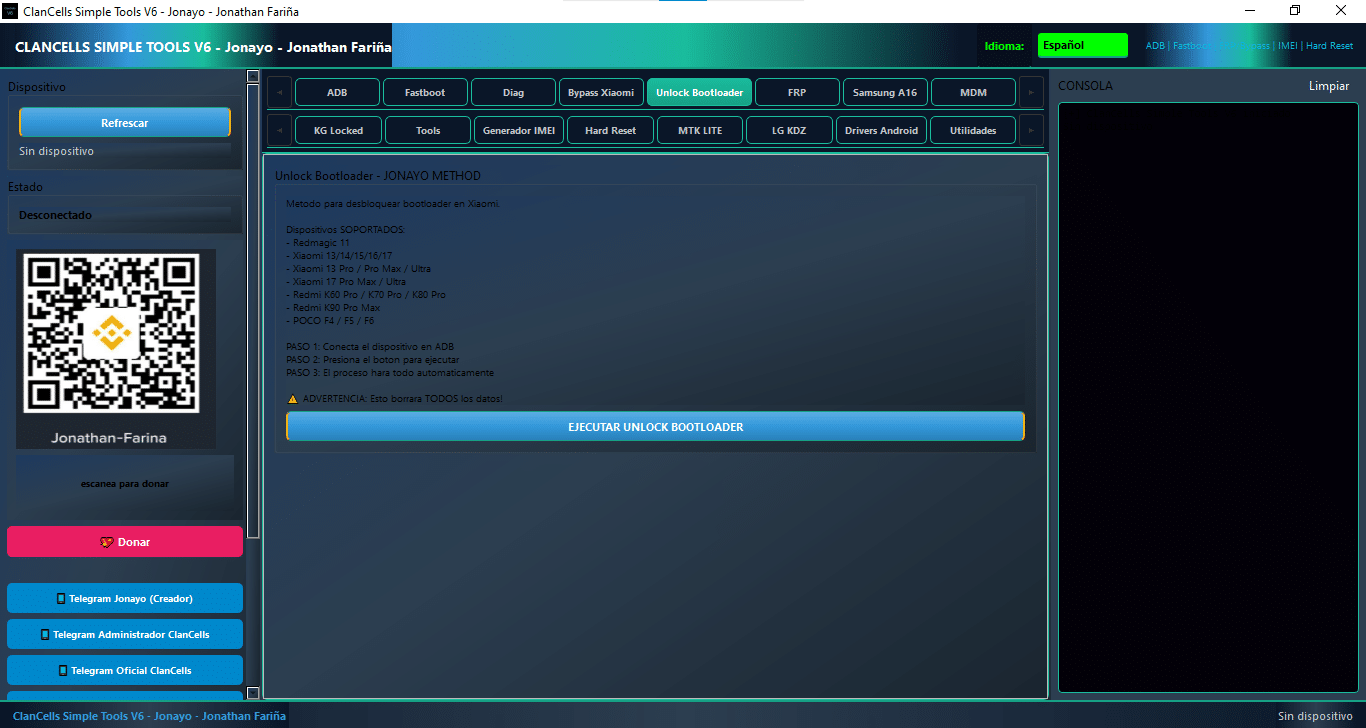
Unlock Bootloader
Unlock Bootloader
Xiaomi Support
ADB Support
One-Click Operation
Auto Process
Multi-Device Support
Data Wipe Warning
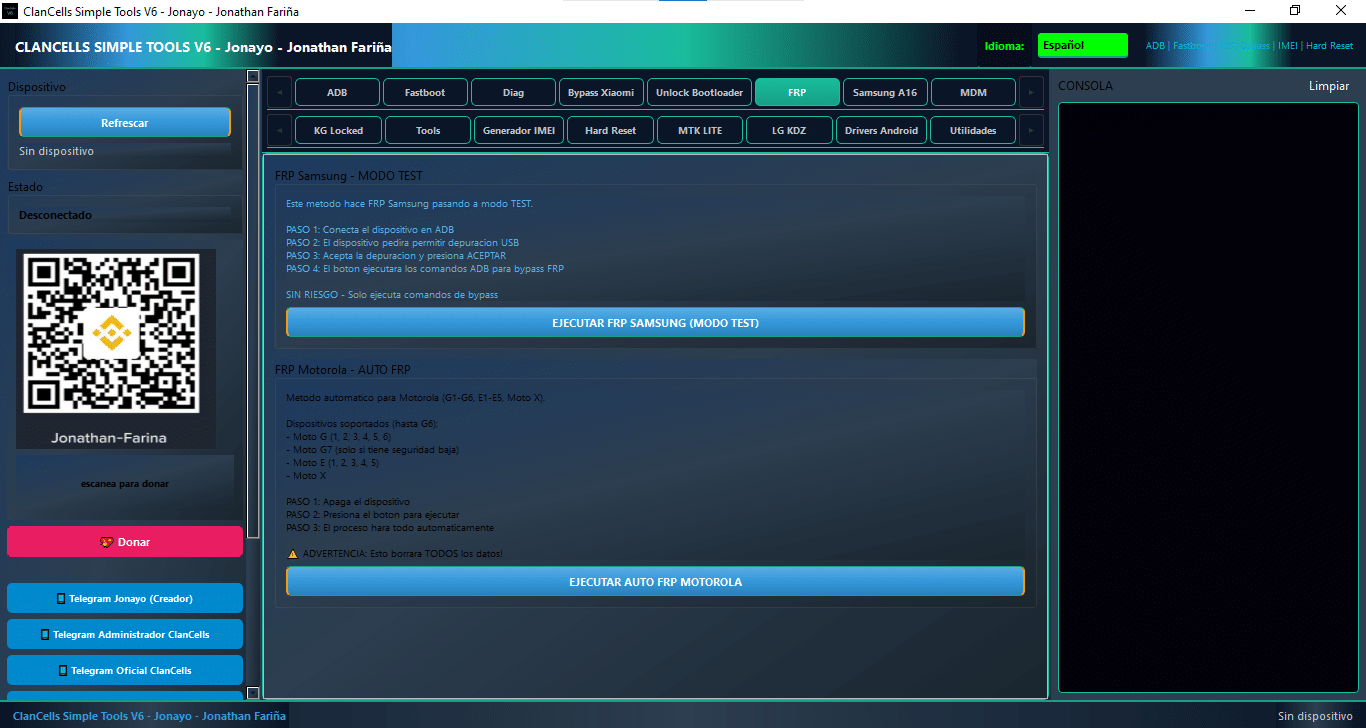
FRP
Samsung FRP (Test Mode)
Motorola Auto FRP
ADB FRP Bypass
USB Debugging Support
One-Click FRP Execution
Auto Bypass Process
Multi-Device Support
Safe Bypass (No Risk Mode)
Data Wipe Warning
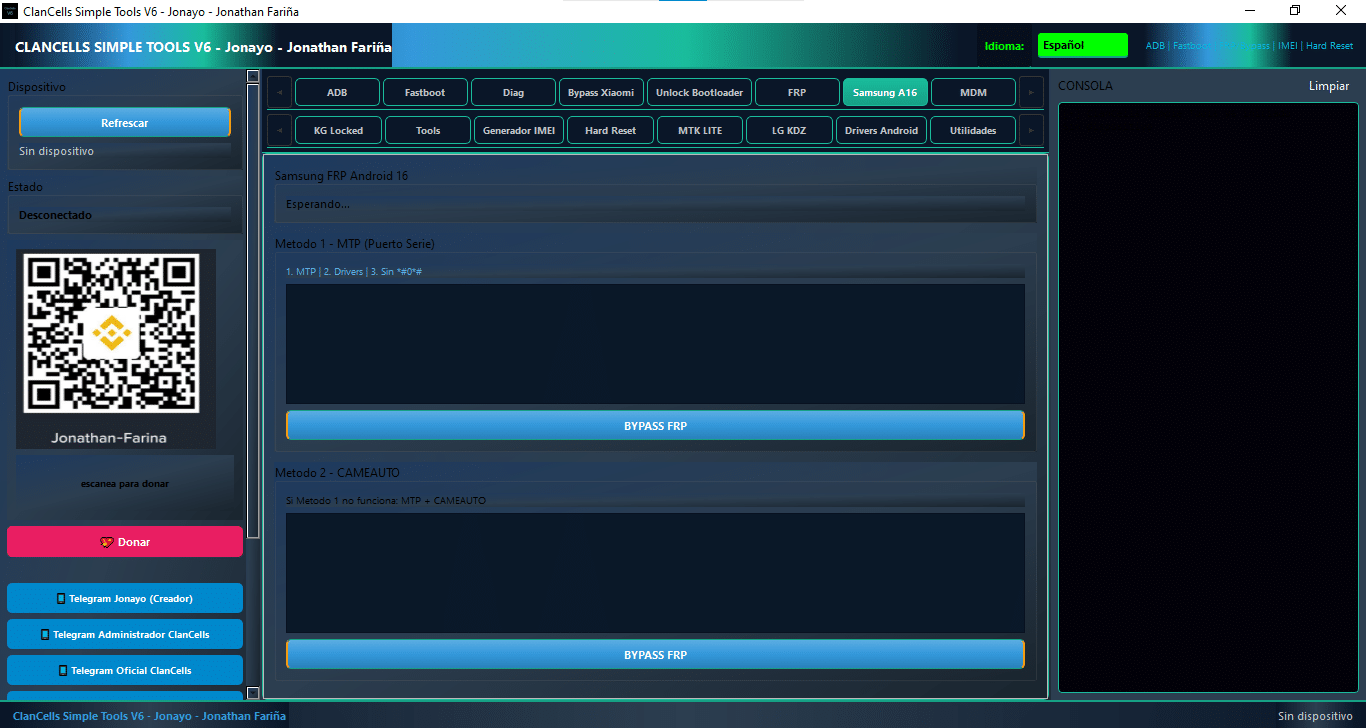
Samsung A16
Samsung FRP Android 16 Support
MTP (Serial Port) Method
CAMEAUTO Method
Dual FRP Bypass Options
One-Click Bypass
Driver Support Required
Alternative Method Support
Simple Interface
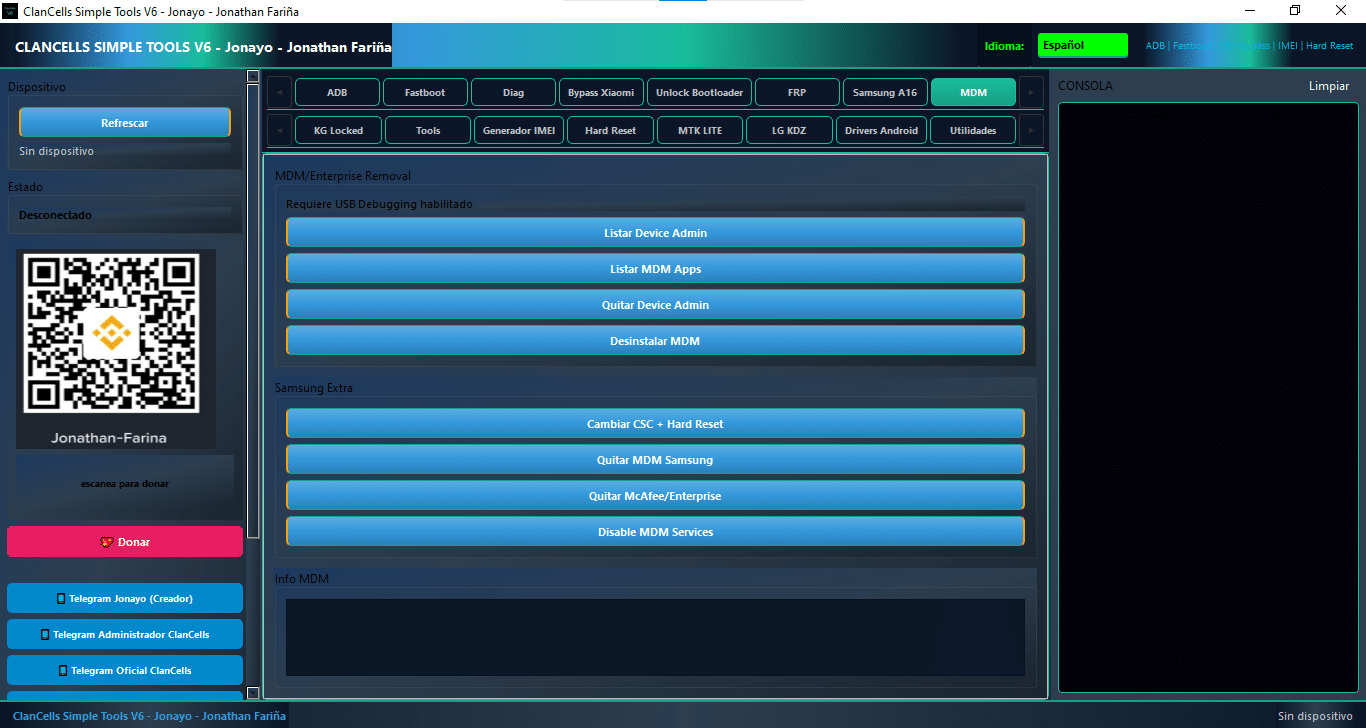
MDM
MDM / Enterprise Removal
List Device Admin
List MDM Apps
Remove Device Admin
Uninstall MDM
Change CSC + Hard Reset
Samsung MDM Removal
Remove McAfee / Enterprise
Disable MDM Services
USB Debugging Support
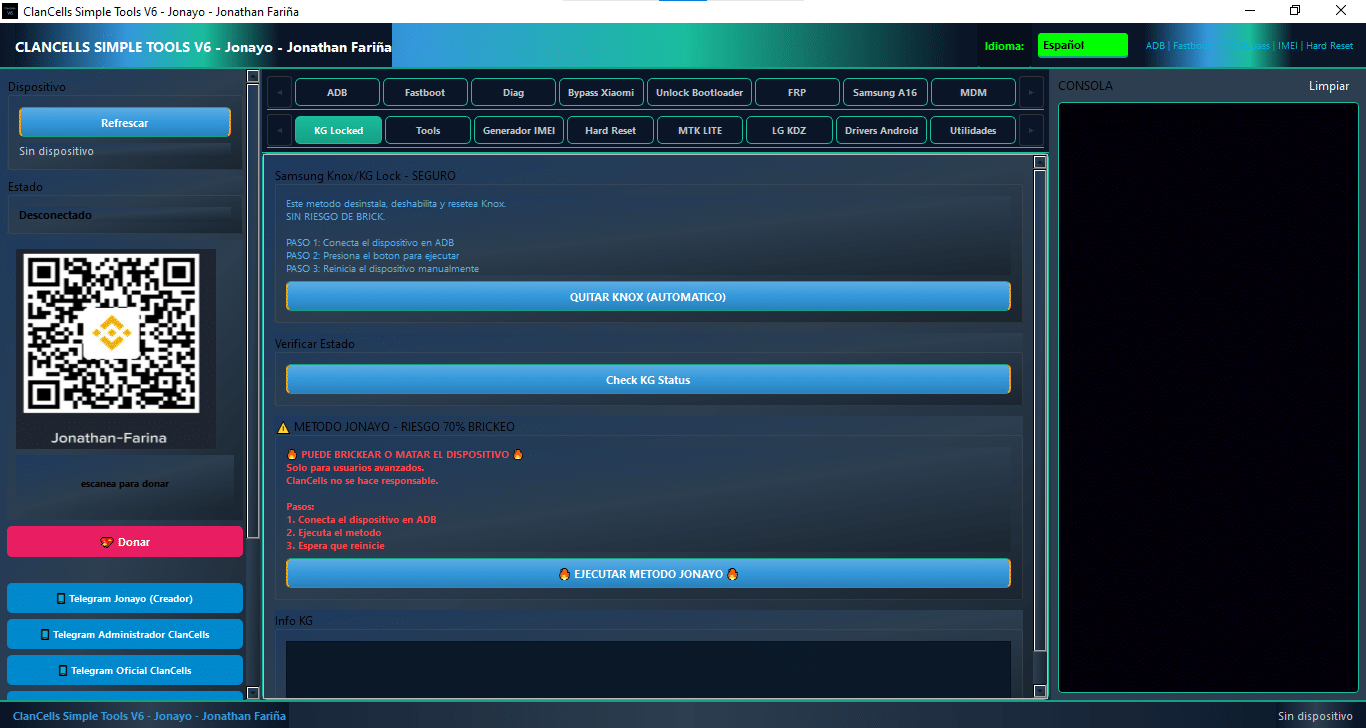
KG Locked
Samsung Knox / KG Lock Removal
Auto Knox Reset
ADB Support
One-Click Knox Remove
Check KG Status
Jonayo Method Support
Manual Reboot Option
Advanced Risk Method Support
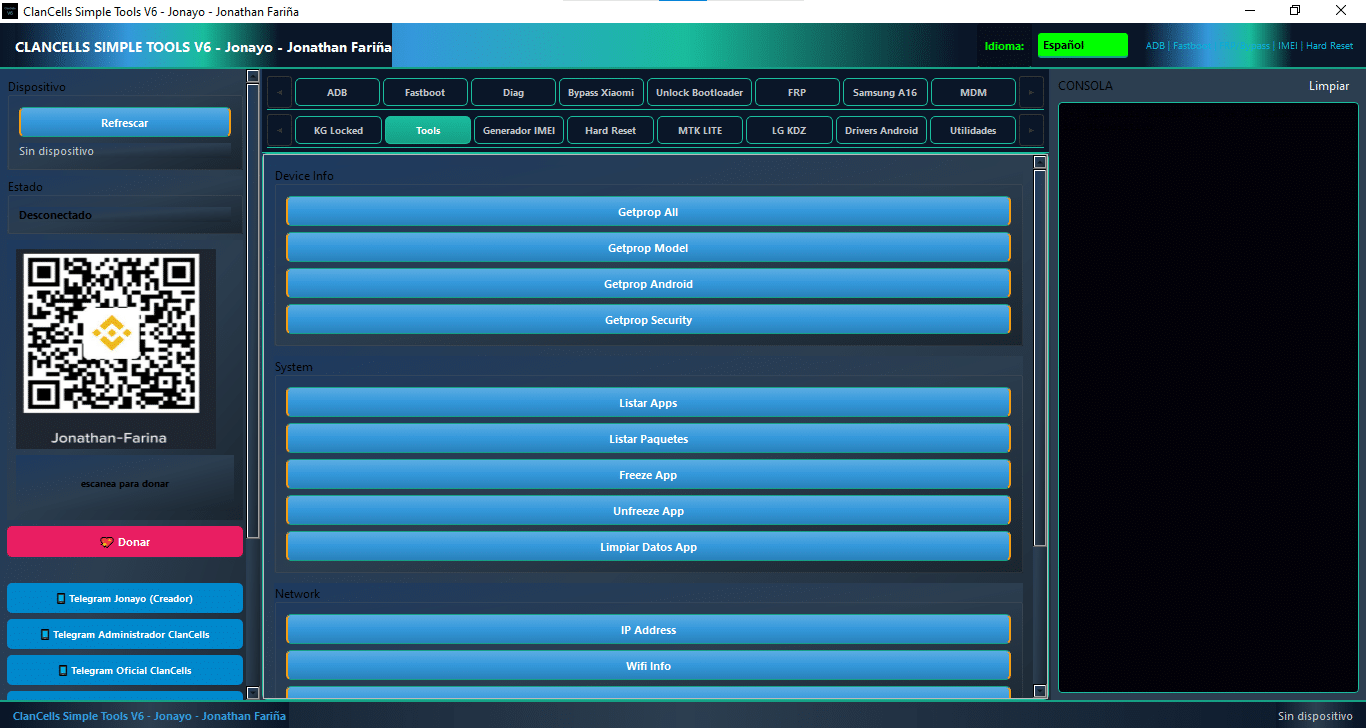
Tools
Device detection / refresh
Device status (connected / disconnected)
Getprop all
Getprop model
Getprop Android version
Getprop security
List apps
List packages
Freeze app
Unfreeze app
Clear app data
IP address info
WiFi info
ADB commands / shortcuts
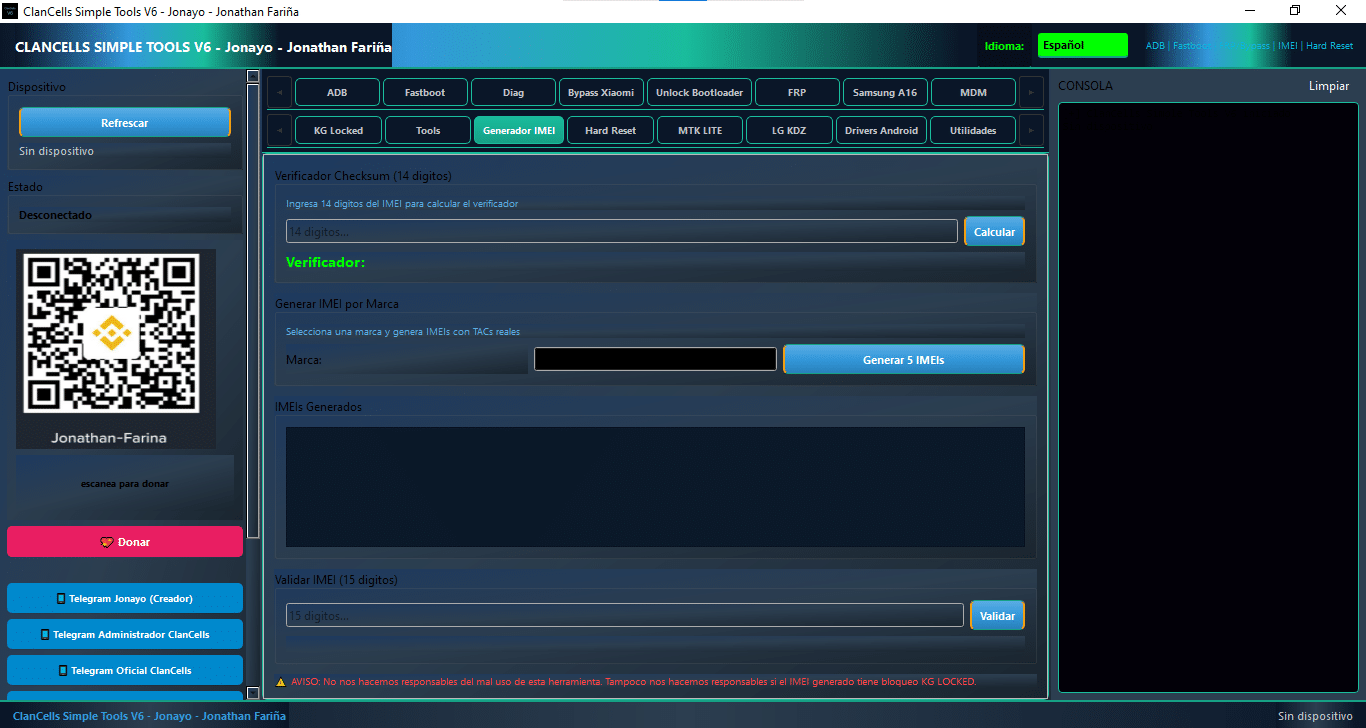
Generator IMEI
Device detect
Device info
ADB basic
Fastboot basic
Bootloader unlock
FRP reset
Hard reset
IMEI verify
Console / logs
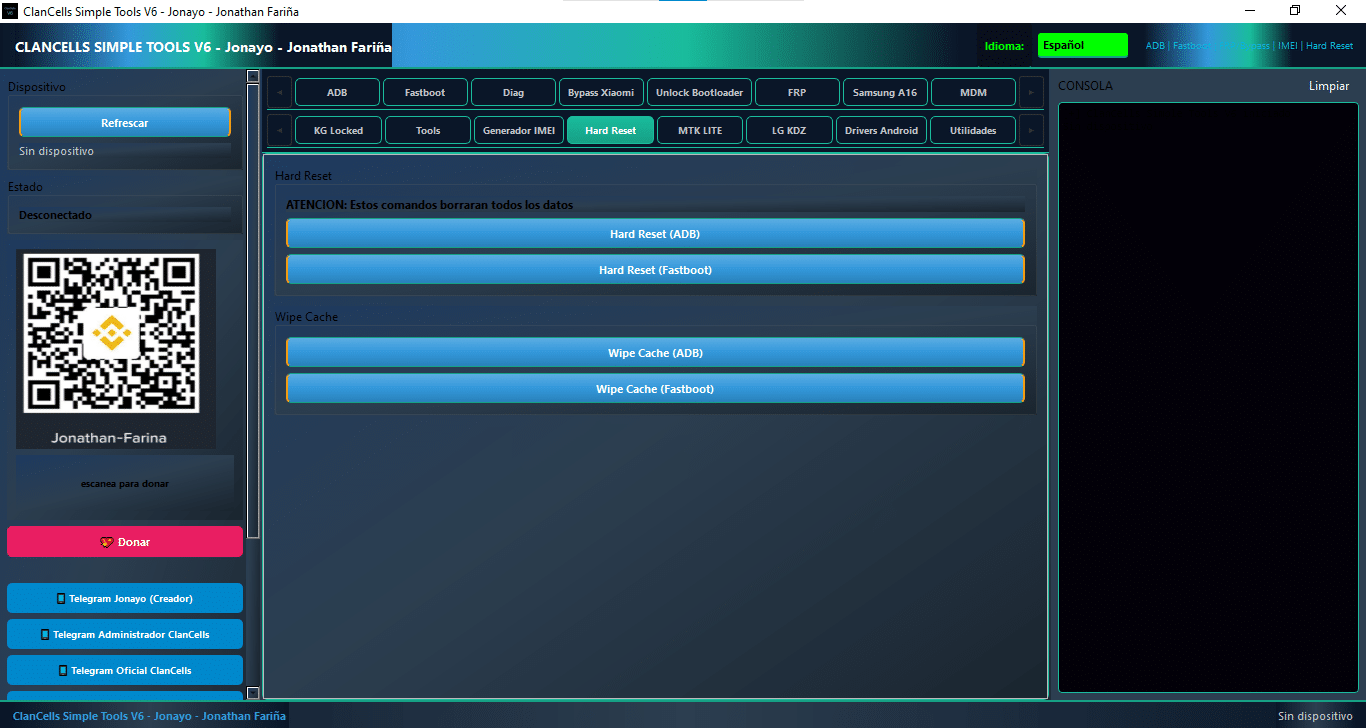
Hard reset
Device detect
ADB / Fastboot basic
Hard reset (ADB / Fastboot)
Wipe cache
Bootloader unlock
FRP reset
IMEI verify
Console / logs
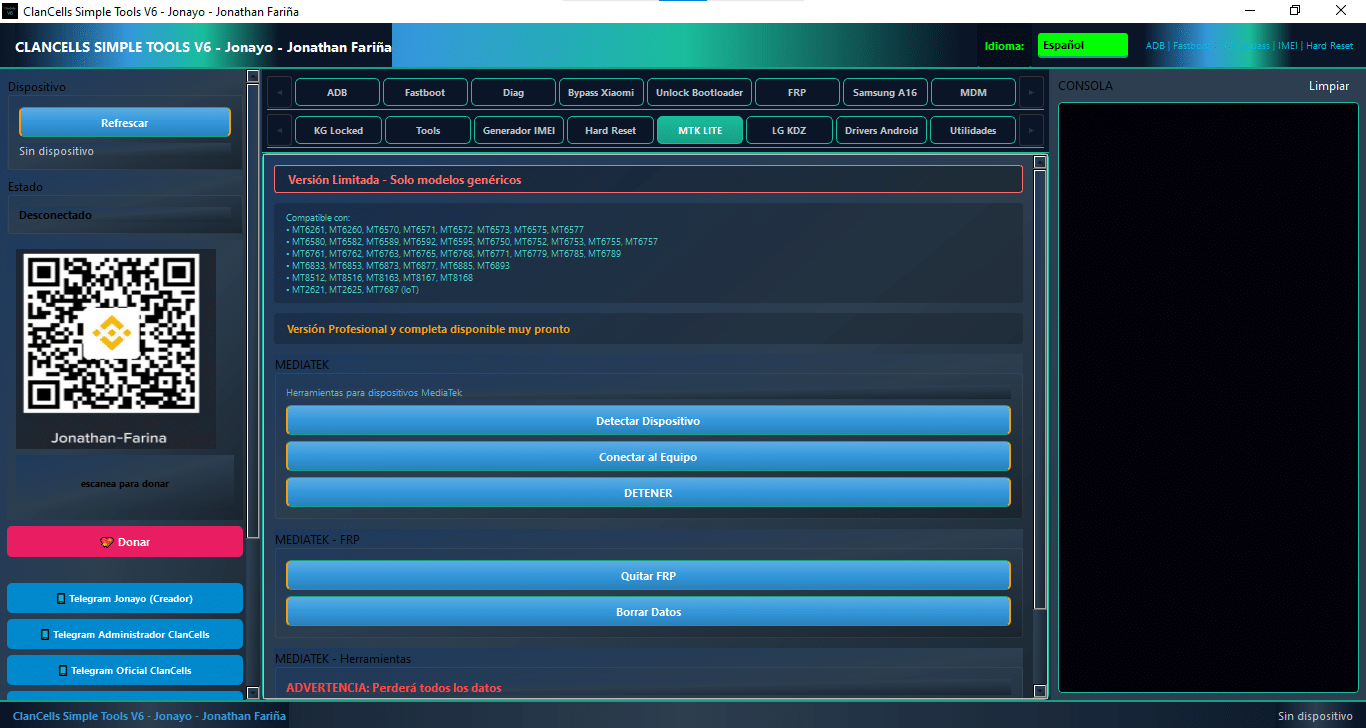
Mtk Lite
Tools For Mediatek Devices
Detect Device
Connect To Device
Detener
Remove Frp
Wipe Data
Advertencia: Perderá Todos Los Datos
Hard Reset + Reiniciar
Salir Brom + Reiniciar
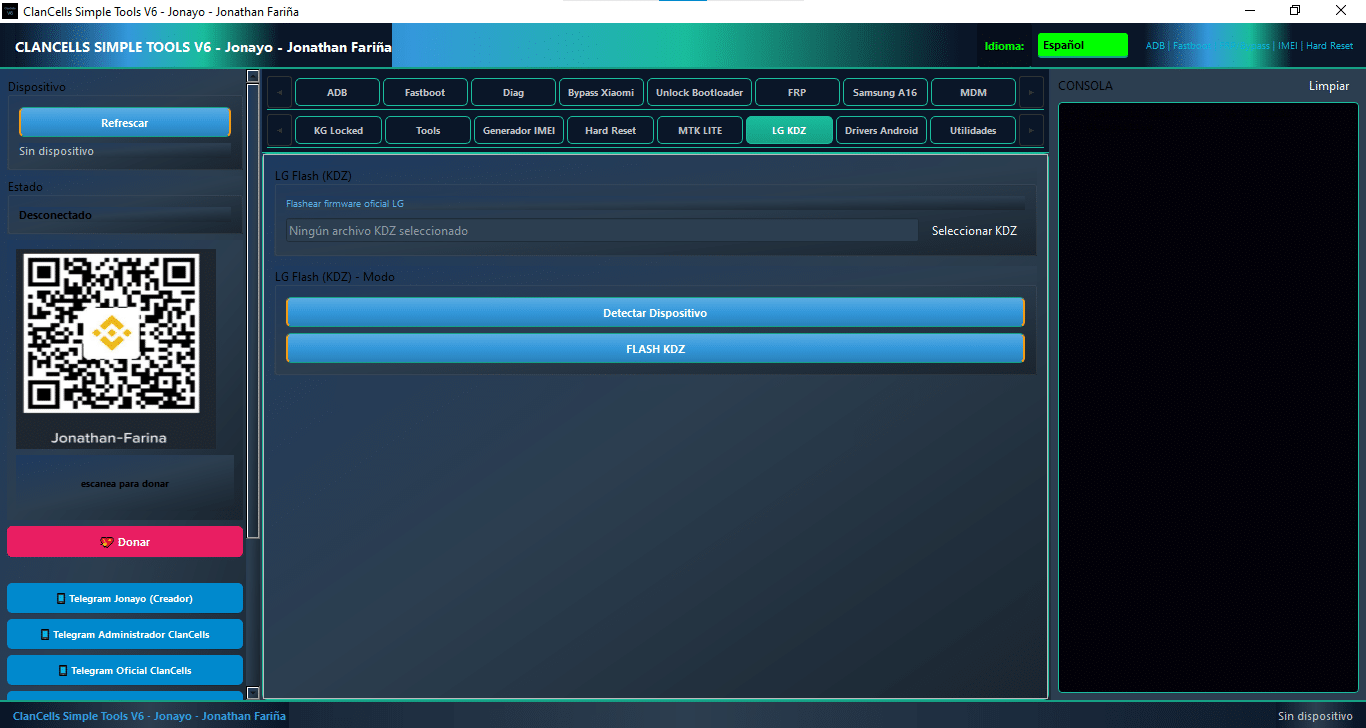
Lg Kdz
Flash Official Lg Firmware
[file Path Display: No Kdz File Selected]
Select Kdz
Detect Device
Flash Kdz
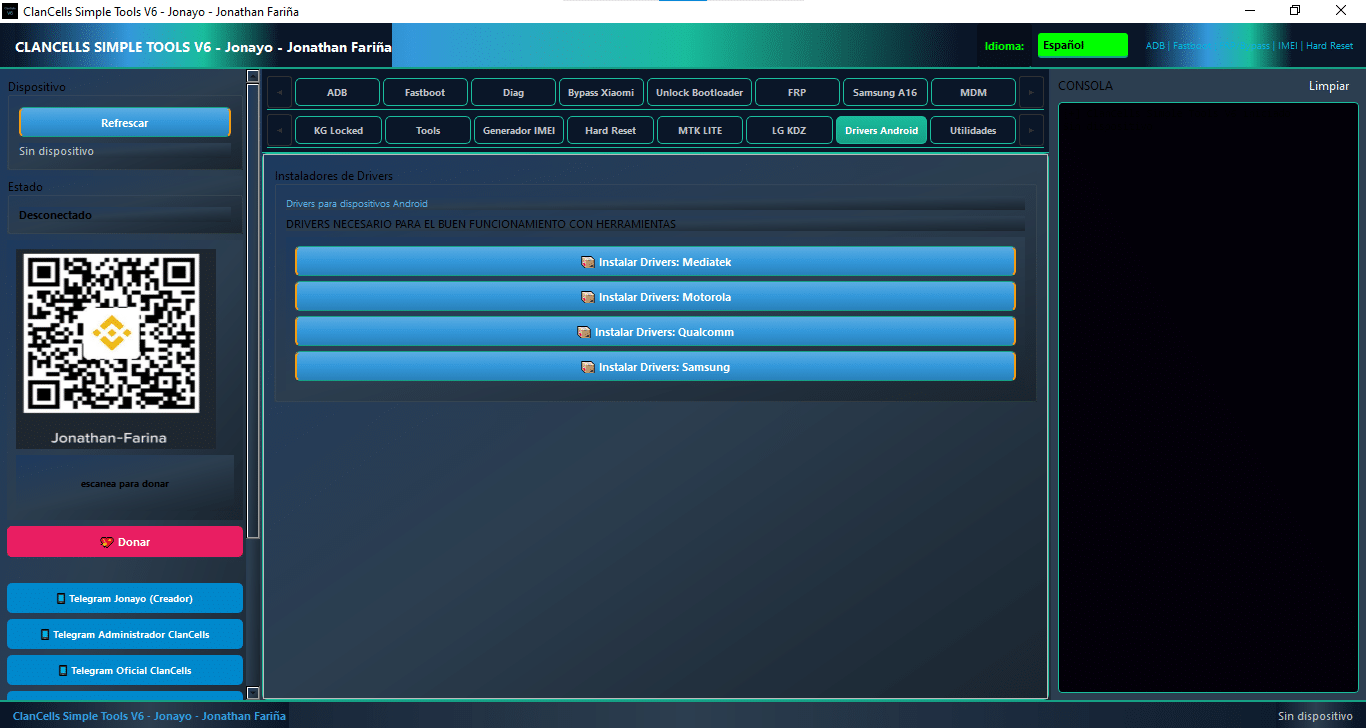
Drivers
Drivers For Android Devices
Drivers Needed For Proper Tool Functionality
Install Drivers: Mediatek
Install Drivers: Motorola
Install Drivers: Qualcomm
Install Drivers: Samsung
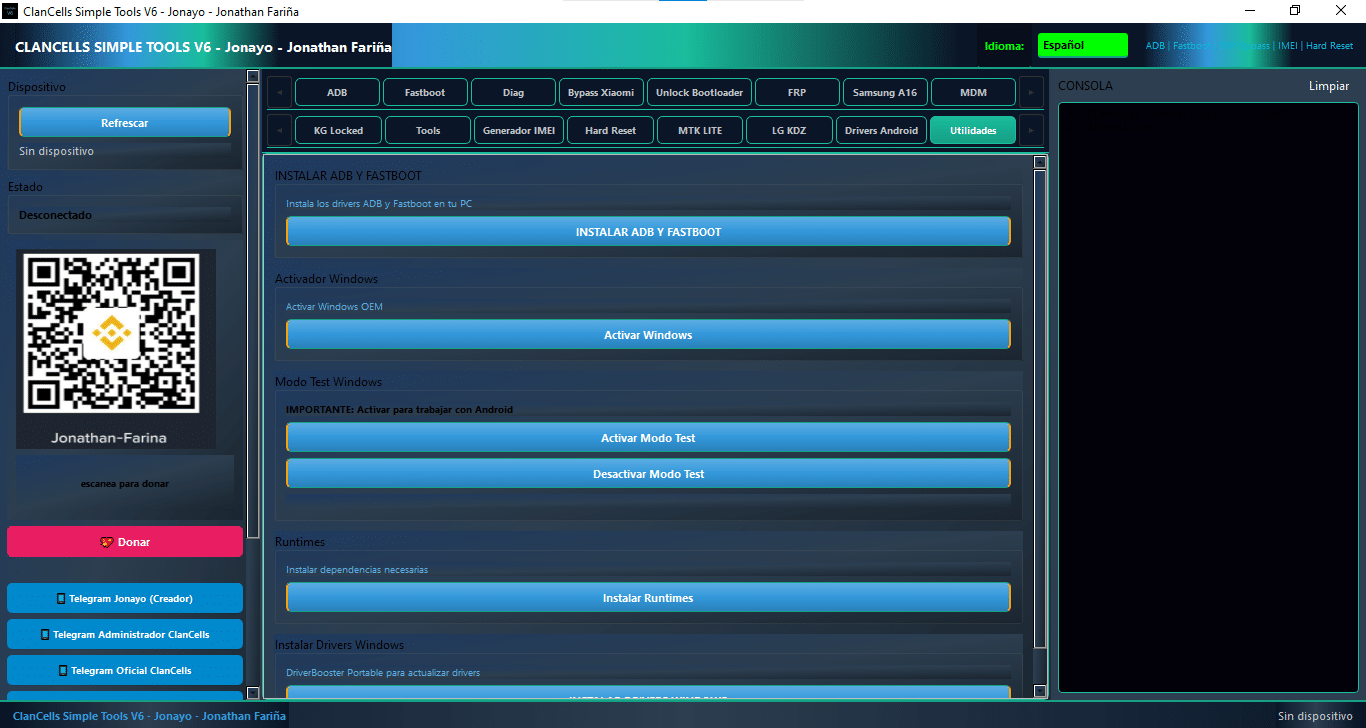
Utilities
Instala Los Drivers Adb Y Fastboot En Tu Pc
Instalar Adb Y Fastboot
Activate Windows Oem
Activate Windows
Important: Enable To Work With Android
Enable Test Mode
Disable Test Mode
Install Required Dependencies
Install Runtimes
Driverbooster Portable To Update Drivers
Install Windows Drivers
How To Use It ?
First Of All, You Must Get The Zip File By Clicking The Following Link
After That, You Need To Unzip All Files In C: Drive (important)
Make Sure You’ve Turned Off The Antivirus To Running The Installation
Then, To Open The Folder, Download The Installation File Following Some Basic InstructionsKleister and PDT Platform Detector Tool
Run The “Clancells Simple Tools“
The Will Open On Your Pc Screen. Enjoy!
Final Thoughts
Clancells Simple Tools V6 Is A Well-rounded Android Servicing Utility That Combines Adb Control Fastboot Actions Frp Options Mdm Tools Knox Support And Driver Utilities In One Package. Its Simple Layout Makes It Easier To Handle Common Repair Tasks While The Wide Feature List Gives Technicians More Flexibility On Different Brands And Models.
If You Need A Practical Toolkit For Android Maintenance This One Is Built To Cover Many Everyday Jobs. From Device Detection To Advanced Service Options Clancells Simple Tools Offers A Clean Workflow That Can Save Time And Reduce Manual Effort.
How To Download ?
Visit The Gsm Crack Tool Website Of The Tool.
Find The Download Page And Don’t Click Button And Click Only The (Download Link)
Once The Download Is Complete, Locate The Downloaded File On Your Device.
Tap On The File To Begin The Installation Process.
Follow The On-screen Instructions To Complete The Installation.Prime.