If You’ve Ever Struggled With Frp Locks Mdm Restrictions Or Unwanted Bloatware On Your Android Device You Know How Frustrating It Can Be. The Block Cipher Tool V1.0.0.1 Is Designed To Make Your Life Easier By Giving You Powerful Control Over Your Device’s Security And Administrative Functions. Whether You’re A Technician It Admin Or Just Someone Who Needs A Reliable Tool For Android Troubleshooting This Software Has Everything You Need.
With Support For Multiple Android Versions Including Android 6 To 14 And Compatibility With Brands Like Samsung Honor Huawei Tecno And Infinix This Tool Is A Versatile Solution For Professionals. In This Guide We’ll Explore Its Features Explain How It Works And Show You How To Use It Effectively For Frp Resets Adb Tasks And More.
Block Cipher Tool V1.0.0.1 Latest Version Free Download
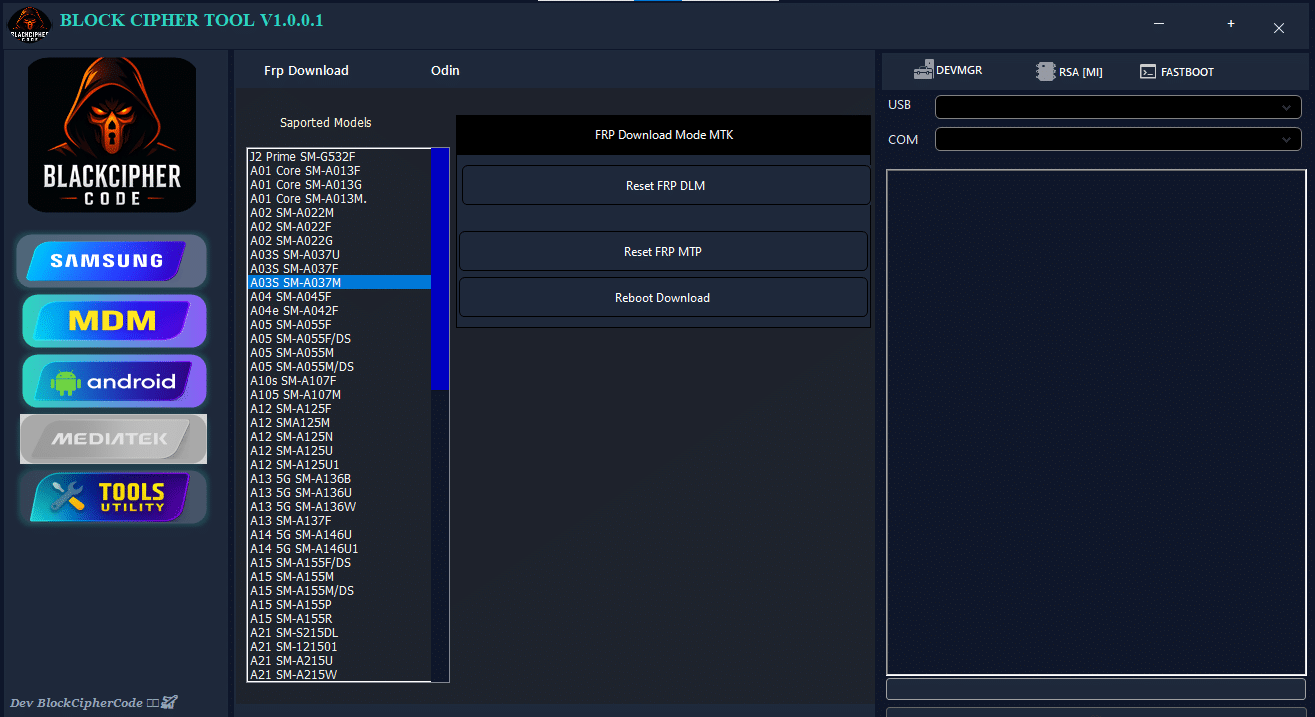
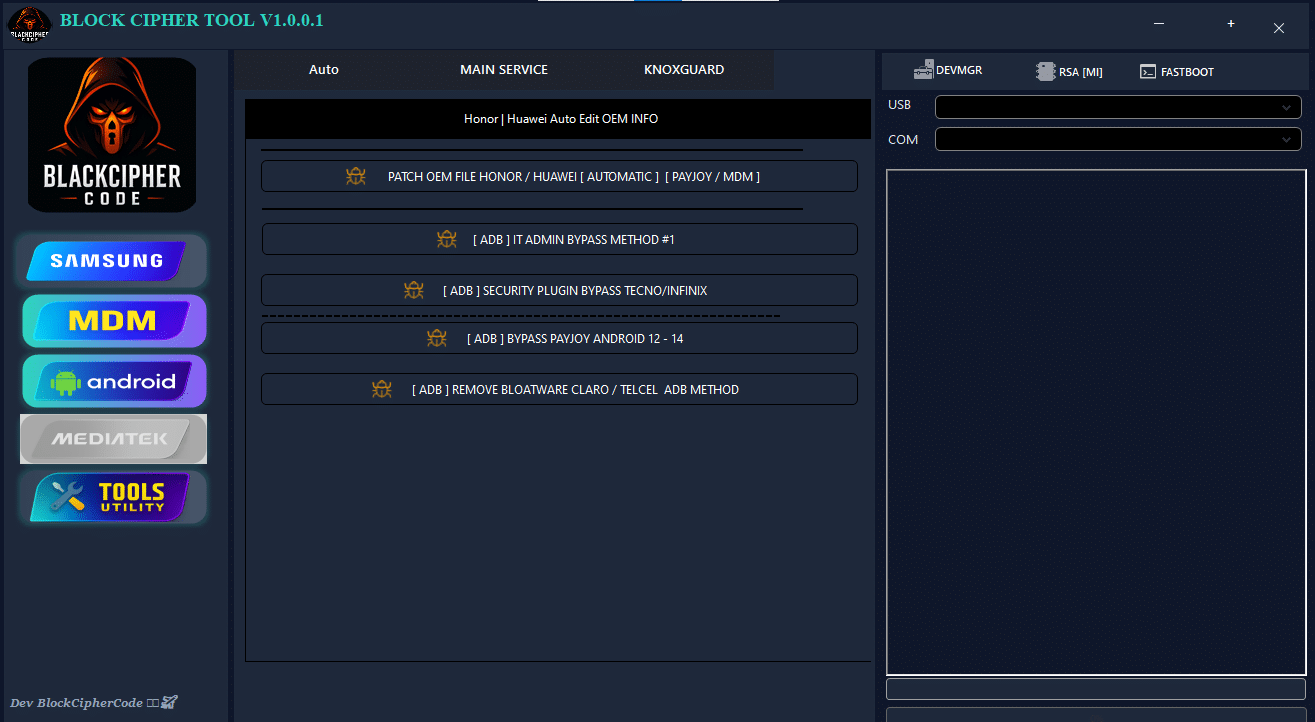
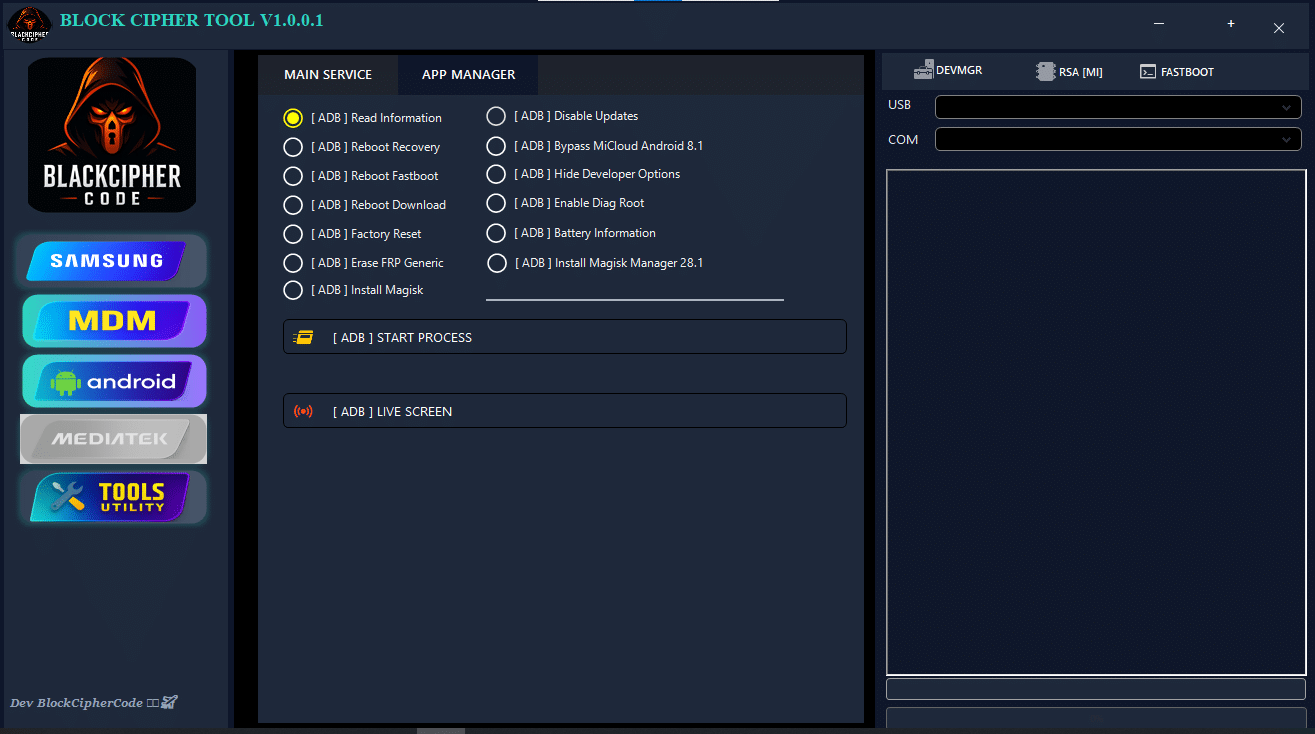
The Latest Version Of Block Cipher Tool V1.0.0.1 Comes Packed With Advanced Functions For Android Devices. You Can Reset Frp Using Both Dlm And Mtp Modes Reboot Your Phone Into Download Mode Patch Oem Files Automatically And Bypass Payjoy Or Mdm Restrictions. It Even Supports Adb-based Functions Like Removing Bloatware Reading Device Info And Installing Magisk.
Its Intuitive Windows Gui Makes It Accessible To Both Beginners And Experienced Users. You Can Monitor Live Logs In The Console Window And Select Your Device Or Port Easily. With Iapro Branding And A Dedicated Support Link Via Telegram Troubleshooting And Guidance Are Just A Click Away.
What Is The Block Cipher Tool?
The Block Cipher Tool Is A Powerful Software Designed To Bypass Android Security And Administrative Locks While Providing Advanced Adb Utilities. It Allows You To Handle Frp Resets Mdm Restrictions And Device-level Administrative Controls Efficiently.
By Combining Multiple Tools Into One Interface It Simplifies Complex Procedures That Usually Require Several Software Programs. From Technicians Performing Bulk Device Resets To It Admins Managing Company Phones The Block Cipher Tool Makes These Tasks Faster Safer And More Reliable.
First Of All, You Must Get The Zip File By Clicking The Following Link
After That, You Need To Unzip All Files In C: Drive (important)
Make Sure You’ve Turned Off The Antivirus To Running The Installation
Then, To Open The Folder, Download The Installation File Following Some Basic Instructions
Run The “Block Cipher Tool “
The Will Open On Your Pc Screen. Enjoy!
Final Thoughts
The Block Cipher Tool V1.0.0.1 Is A Comprehensive All-in-one Solution For Frp Resets Adb Management And Device Customization. With Support For Multiple Android Versions Brands And Security Scenarios It’s A Must-have For Technicians And It Administrators.
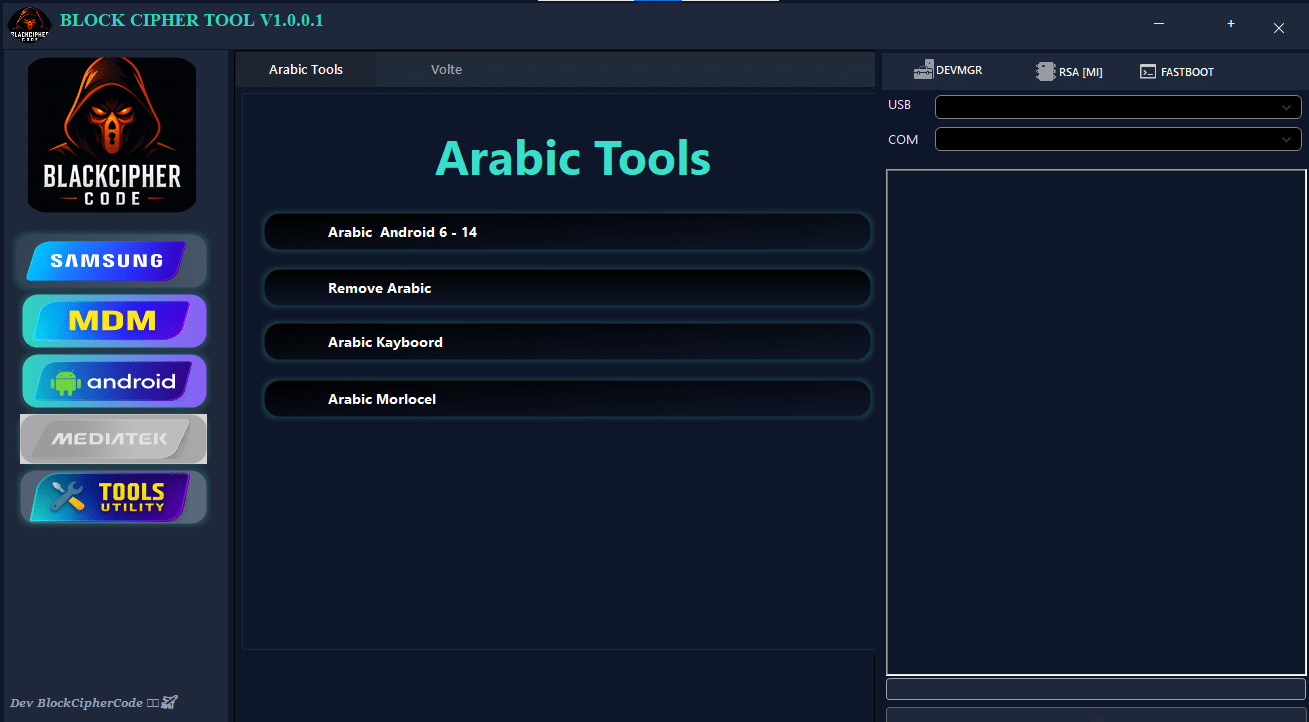
By Combining Simplicity With Powerful Features Like Mdm Bypass Payjoy Unlocking And Arabic Language Removal This Tool Makes Android Management Faster Safer And More Efficient. If You’re Serious About Android Troubleshooting This Is The Tool You’ve Been Waiting For.
How To Download ?
Visit The Gsm Crack Tool Website Of The Tool.
Find The Download Page And Don’t Click Button And Click Only The (Download Link)
Once The Download Is Complete, Locate The Downloaded File On Your Device.
Tap On The File To Begin The Installation Process.
Follow The On-screen Instructions To Complete The Installation.Prime.